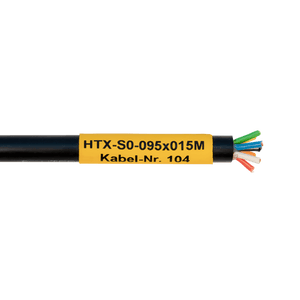
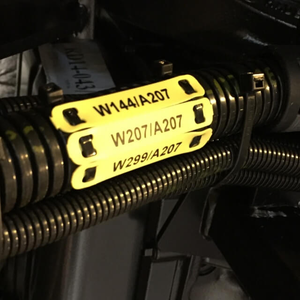
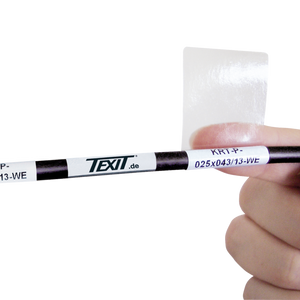
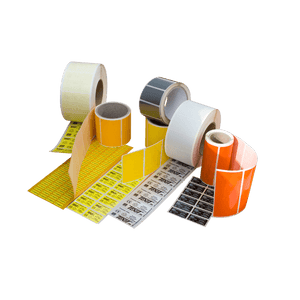
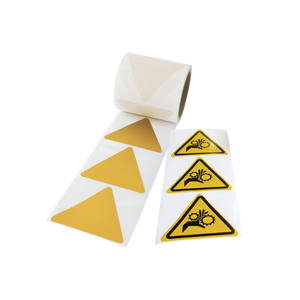
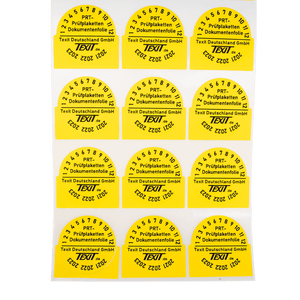

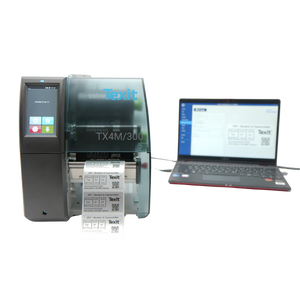
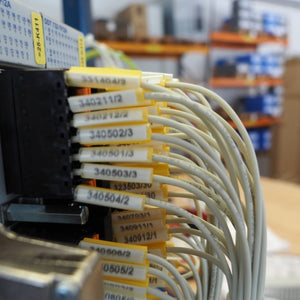

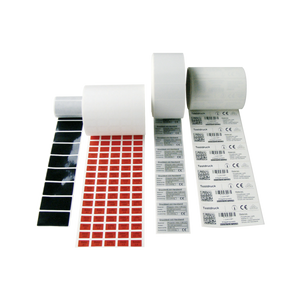
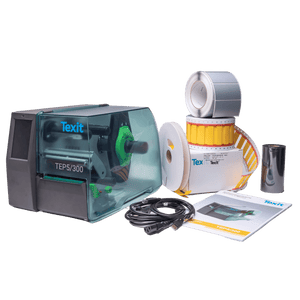

With a nameplate printer, you can print your own nameplate labels for machines, equipment, and electrical appliances—ensuring they are flexible and permanently legible. Thermal transfer printers are particularly well-suited for this purpose, as they enable durable labeling when used with the appropriate labels and ribbons.
Advantages of a nameplate printer:
- Maximum flexibility in labeling for manufacturers of machines, systems & devices
- Cost savings compared to conventional metal type plates
- Highly robust rating plate labels (UV radiation & temperature resistant, smudge & abrasion resistant, resistant to water, oil, grease and chemicals)
- Time-saving thanks to simple operation and installation
- Nameplate printer can be used for other labels, cable labeling and heat-shrink tubing
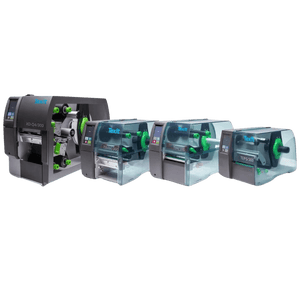
Comparison of Texit Label Printers
Whether you're printing nameplates occasionally in a workshop or producing large quantities in industrial manufacturing, your requirements for print volume, speed, and marking materials are key.
All three TEXIT printer models use thermal transfer printing and offer a print resolution of 300 dpi.
| Property | Tep5 Printer | TX4 Printer | TX4M Printer |
|---|---|---|---|
| Printer Type | Compact Printer | Industrial Printer | Flexible Industrial Printer |
| Recommended Use | For occasional use; can be used on the job site | For regular, large quantities | For regular, large quantities and a variety of materials |
| Max. print speed | 150 mm/s | 300 mm/s | 300 mm/s |
| Can print on continuous feed paper | yes | no | yes |
| Can it print nameplate labels? | yes* | yes* | yes* |
| Weight | 5 kg | 10 kg | 10 kg |
| Main Advantage | Compact, cost-effective, easier to transport | For continuous industrial use with high production volumes | For high-volume production + varying/different material types |
*The nameplate labels are the pre-cut version, provided that the material, ribbon, and printing system are properly matched. Technical specifications are based on the TEXIT printer overview and model descriptions.
Which nameplate printer is the right one?
At Texit, we have various rating plate printer models in our range. This means we have a suitable label printer to choose from for every application. Regardless of whether you opt for the standard model (entry-level version) or a high-performance industrial printer: You are guaranteed to benefit from the advantages mentioned above. With all printers, we guarantee printing of the highest quality and reliability, provided the printing system is well matched (ribbon and label materials).
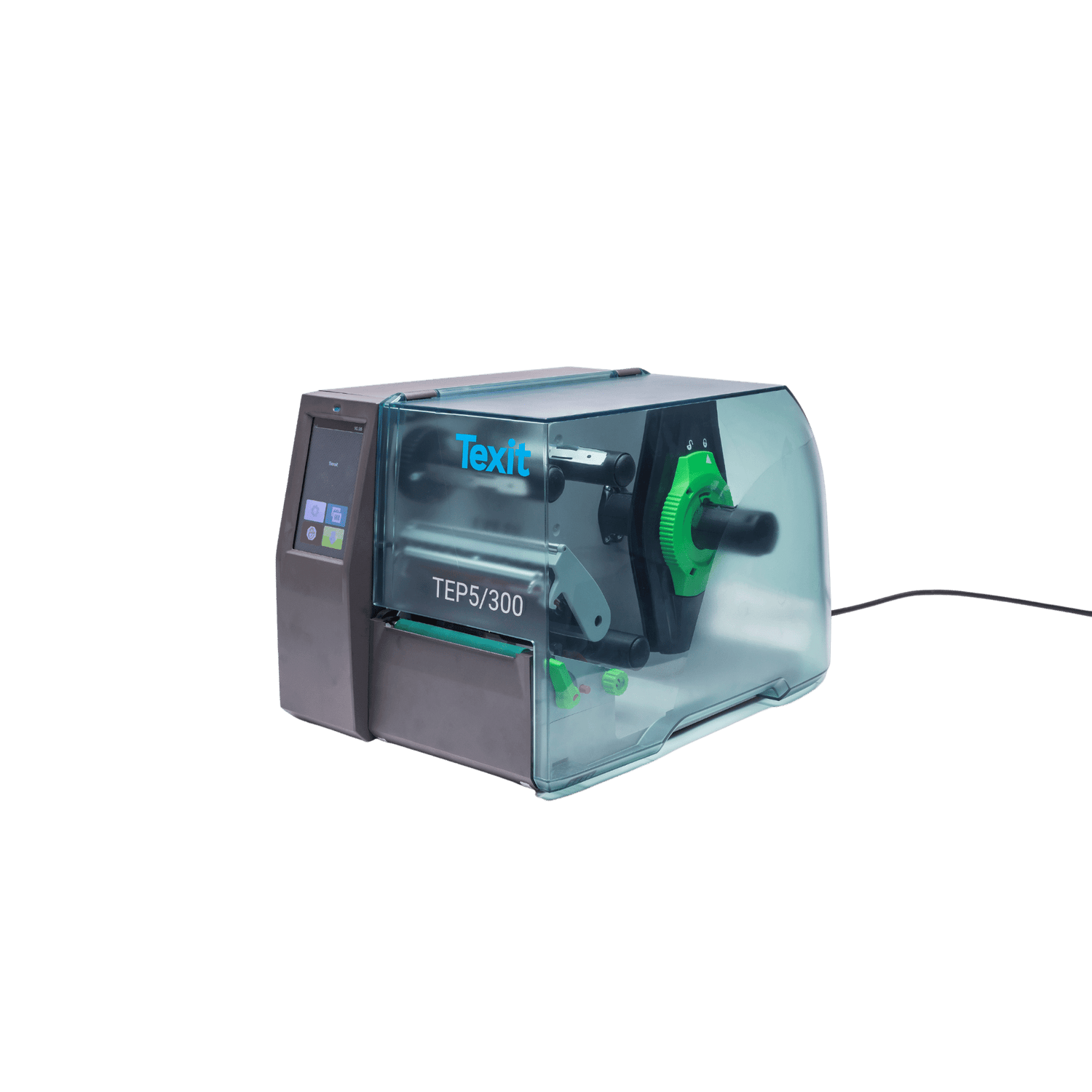
TEP5 – Compact Printer for Occasional Use
The TEP5 nameplate printer is particularly well-suited for companies that occasionally produce nameplates or need a versatile printer.
Weighing about 5 kg, it is relatively easy to transport. It reaches a print speed of up to 150 mm/s at a resolution of 300 dpi.
In addition to pre-cut nameplate labels, the TEP5 can also process suitable continuous media.
Ideal for: workshops, maintenance, and occasional labeling needs.
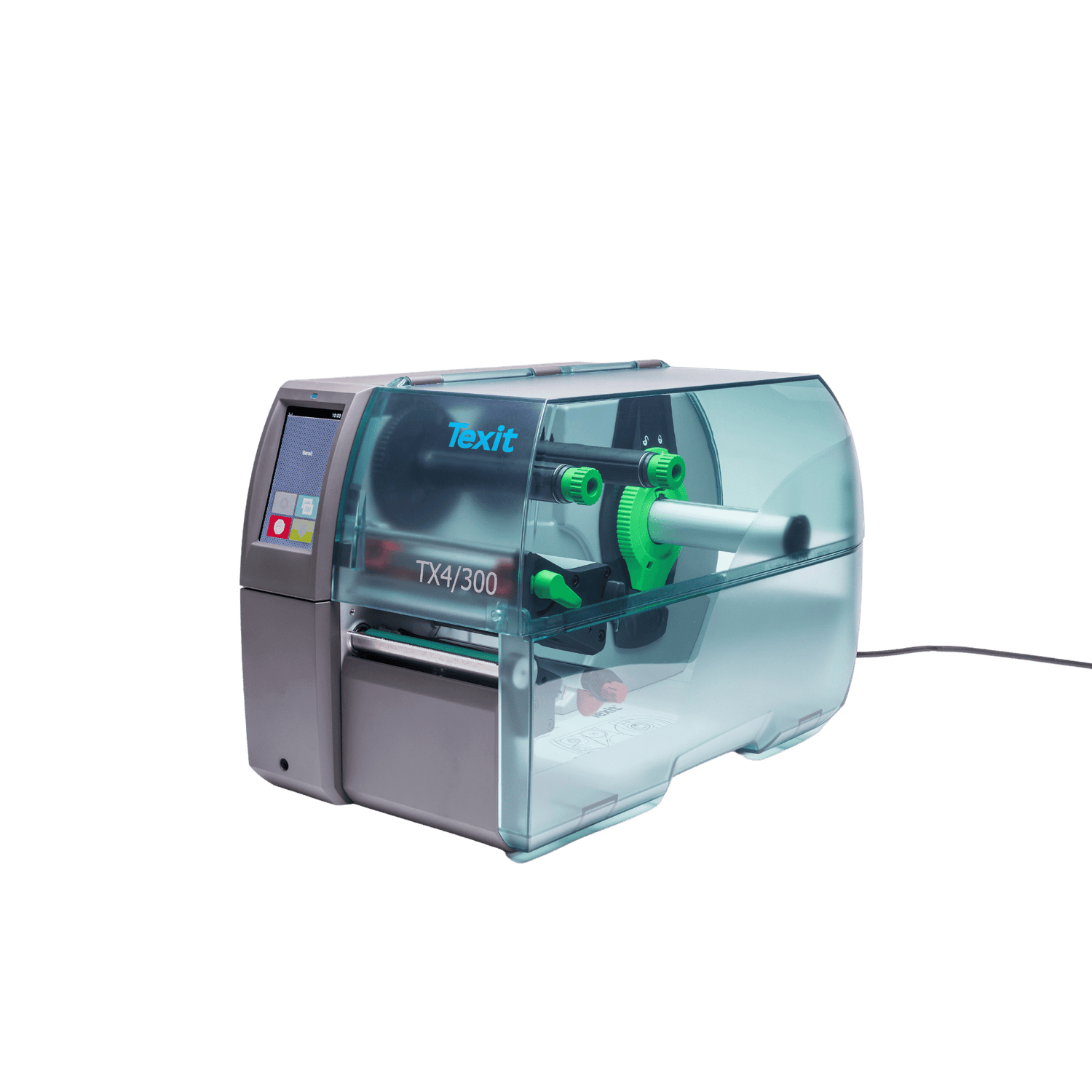
TX4 – Industrial Printer for High Print Volumes
The TX4 thermal transfer printer is designed for regular industrial use and high-volume printing.
With a print speed of up to 300 mm/s, it enables the efficient production of large quantities. The print resolution is also 300 dpi.
The TX4 is particularly well-suited for processing pre-punched nameplate labels. This model cannot process continuous material.
Ideal for: Industrial manufacturing, mass production, and large quantities of pre-cut nameplates.
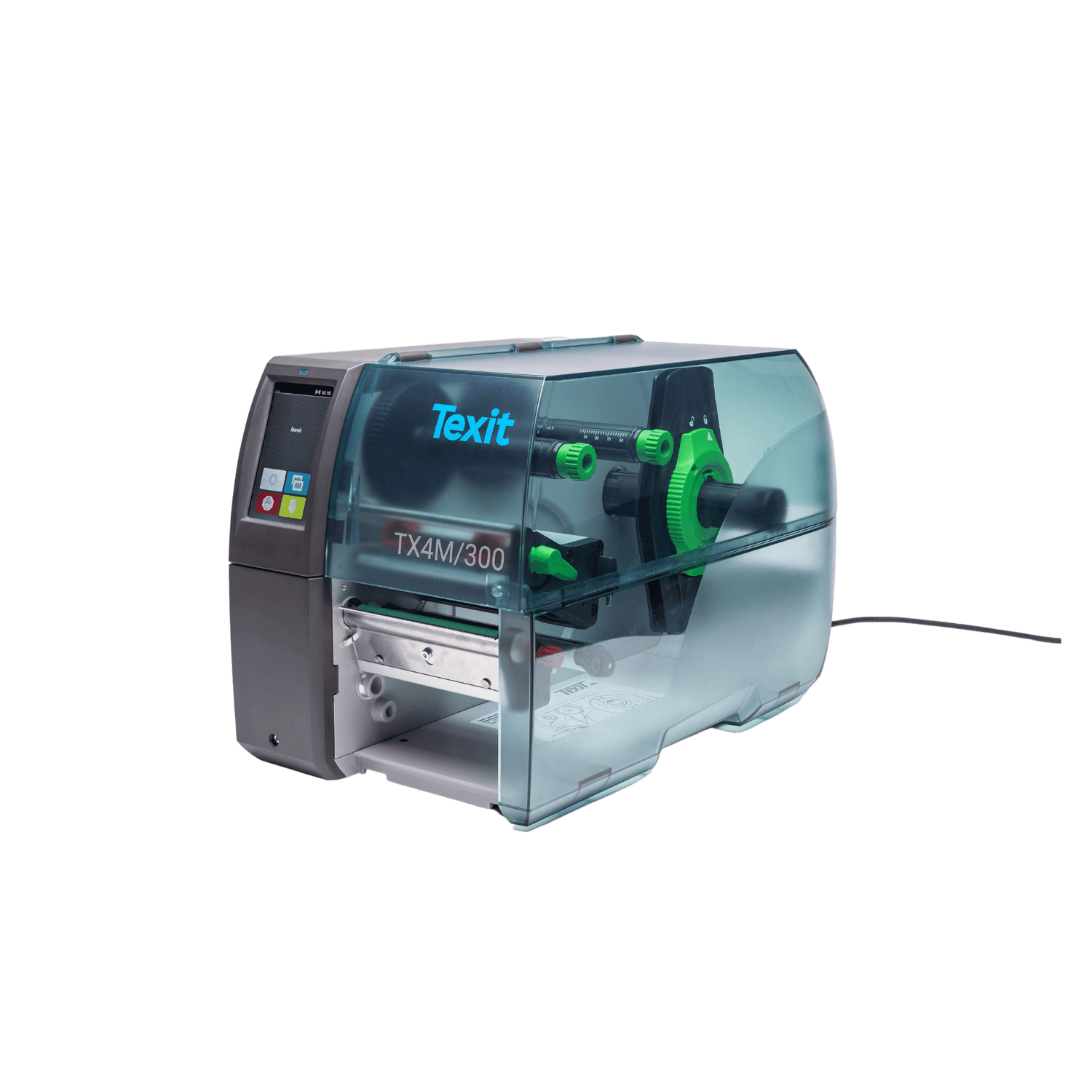
TX4M – Flexible Industrial Printer for a Variety of Materials
The TX4M nameplate printer combines the high print performance of the TX4 with additional material processing capabilities.
It also reaches speeds of up to 300 mm/s at 300 dpi and can process not only pre-cut nameplate labels but also suitable continuous media.
As a result, the TX4M is also suitable, for example, for certain heat-shrink tube markers and continuous-feed nameplates.
Ideal for: Companies that want to combine high print volumes with versatile material handling.
What our labeling experts say
A tip from the author Drazen Milosevic

For customers who only want to print nameplates occasionally, our basic model TEP5 is perfectly adequate. If you print daily and in larger quantities or if you need to change the material frequently and also print cable markers etc., we recommend our TX4 industrial printer. If you also want to print continuous material (e.g. labels for machine signs or shrink sleeves), you need our TX4M printer. This is because it can also print on center-feed material.
Why are thermal transfer printers suitable for nameplates?
In thermal transfer printing, the ink is transferred from a special ribbon to the label material using heat.
When used with the right materials, this process produces precise and durable printed images. The process offers several advantages:
- Excellent readability of text, barcodes, and QR codes
- Consistent print results with a well-matched combination of materials
- Flexible printing of individual data and serial numbers
- Suitable for a wide range of industrial marking applications
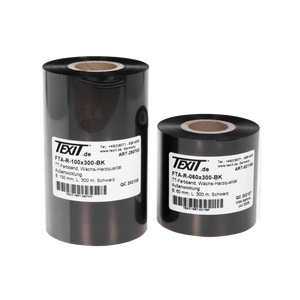
For optimal results, the printer, ribbon, and nameplate labels must be compatible with each other.
You can find suitable materials on our product page for nameplate labels.
For more information on printing nameplates, see our detailed guide.
FAQ: Printer Nameplate
Which printer is best for nameplates?
Which printer is best for nameplates?
For permanent labeling using nameplate labels, we recommend thermal transfer printers. The TEXIT models TEP5, TX4, and TX4M are suitable for a variety of print volumes and applications.
What is the difference between TEP5, TX4, and TX4M?
What is the difference between TEP5, TX4, and TX4M?
The TEP5 is a compact printer designed for occasional use. The TX4 is suitable for high print volumes with pre-cut labels. The TX4M also offers the ability to process compatible continuous media.
Can I print barcodes and QR codes with a nameplate printer?
Can I print barcodes and QR codes with a nameplate printer?
Yes. Using appropriate printing software (such as Texit Designer 11), you can print not only text and serial numbers but also barcodes and QR codes on nameplate labels. When doing so, you must take the code size and print resolution into account.
How long does it take to deliver a nameplate printer?
How long does it take to deliver a nameplate printer?
If we have the printers in stock, the delivery time within Germany is 3-5 working days. There are printer models of which we only have a few in stock (e.g. our TD4M). In this case the delivery time is longer. We will be happy to advise you on the right solution before you buy and also inform you about the delivery time. In some cases, we can also bridge longer delivery times with loan printers. Simply contact our service department. If you need support when setting up the thermal transfer printer, this is of course included in our service.