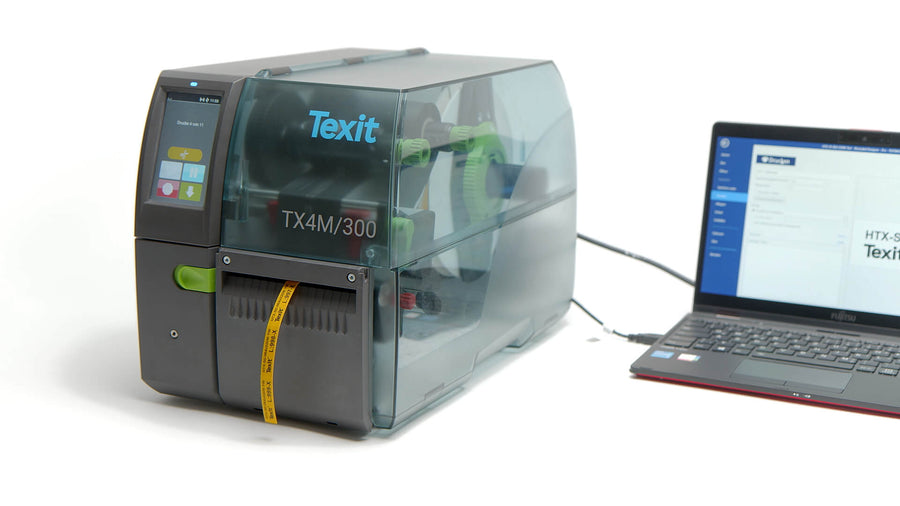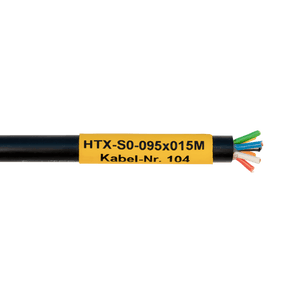
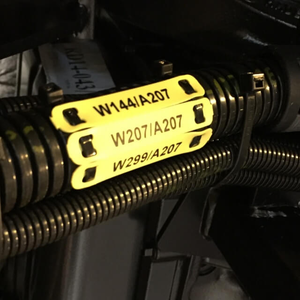
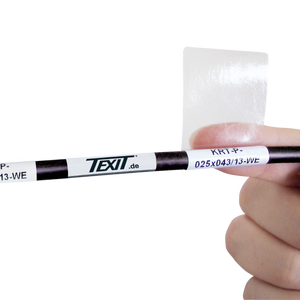
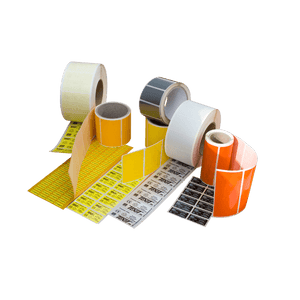
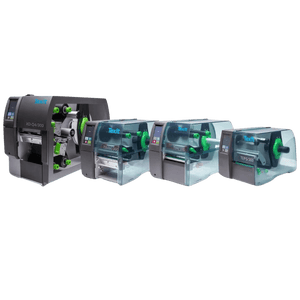
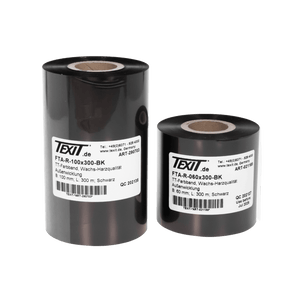

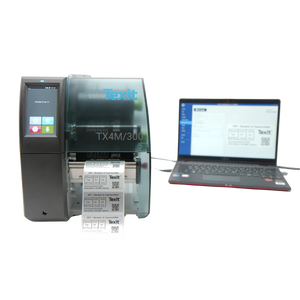

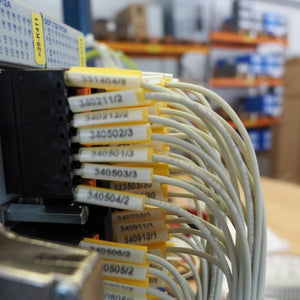

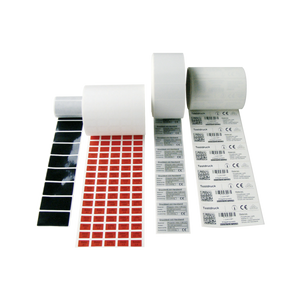
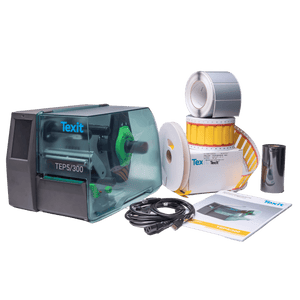

The most reliable way to print on heat-shrink tubing is with a thermal transfer printer. This requires the use of special printable heat-shrink tubing markers and a thermal transfer ribbon compatible with the material. Text, cable numbers, barcodes, and logos can be printed onto the tubing before it is shrunk.
Texit offers two options for printing on heat-shrink tubing: You can order heat-shrink tubing pre-printed with your desired text through our printing service (click here for more information about the Texit printing service), or you can label the heat-shrink tubing yourself using our heat-shrink tubing markers.
Printing on Heat-Shrink Tubing in 5 Steps
To ensure professional and permanently legible labeling, heat-shrink tubing is usually printed on before shrinking.
The typical process consists of five steps:
Step 1: Load the printable heat-shrink tubing into the thermal transfer printer
Use a heat-shrink tube marker that is specifically designed for the printing method you are using. This is because not all heat-shrink tubes are suitable for printing. Which heat-shrink tube is suitable for your application—in terms of size, shrink rate, material, or design—depends on the specific cable and operating conditions.
On our category page, you can select the right heat-shrink tubing for labeling your application.
Step 2: Load the appropriate thermal transfer ribbon
In thermal transfer printing, a thermal transfer ribbon is positioned between the print head and the heat-shrink tube marker.
As individual elements in the print head heat up, the ink layer on the ribbon is transferred to the marking material.
To ensure a clean and durable print, the heat-shrink tubing and thermal transfer ribbon must be compatible with each other.
For example, using the wrong type of film or incorrect print settings can result in:
- if the print appears too light,
- the paint does not adhere well enough,
- fine details are rendered poorly,
- the desired durability is not achieved.
The choice of thermal transfer ribbon always depends on the material of the heat-shrink tubing marker. On our overview page for thermal transfer ribbons, you'll find information on the compatibility of the ribbon with heat-shrink tubing.
Step 3: Create a label
The desired label is then created using appropriate label-design software and sent directly from the PC to the printer. With the Texit Designer 11 software, the following content can be easily placed on the heat-shrink tubing using drag-and-drop. In addition, data from Excel, for example, can be imported directly with just one click. This allows variable content, such as sequential numbering, to be generated automatically, rather than having to create each label individually.
- Line Numbers
- Serial Numbers
- Device Identification
- Letters and Numbers
- sequential numbering
- Symbols
- Company Logos
- Barcodes
- QR Codes
Step 4: Printing on Heat-Shrink Tubing
Once the print layout has been created in the software, it is sent directly from the computer to the printer. During the printing process, the printer moves the heat-shrink tube marker in a controlled manner beneath the print head. The thermal transfer ribbon transfers the desired print image to the surface. After printing, the marker is removed from the printing system.
Step 5: Attach the heat-shrink tubing to the cable and shrink it
The pre-printed heat-shrink tubing is slipped over the cable or wire and positioned as desired. The heat-shrink tubing is then heated according to the manufacturer’s instructions. The heat causes the tubing to shrink and form a tight fit around the cable. Once it has cooled, the marker is securely in place on the wire, and the printed marking remains visible.
Video Tutorial: Printing on Heat-Shrink Tubing

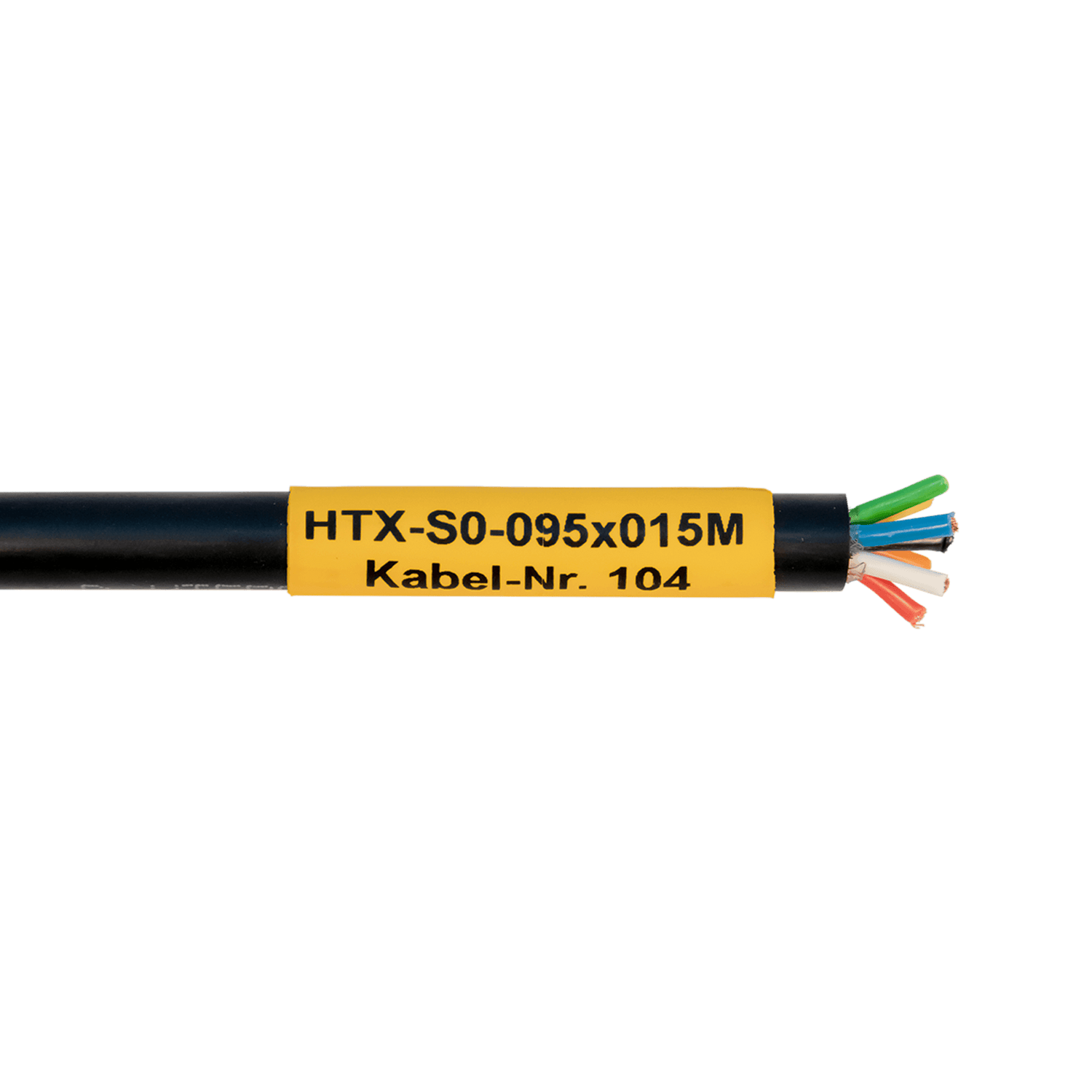
How do I find the right heat-shrink tube marker?
Choosing the right heat-shrink tubing depends on the specific requirements at the application site.
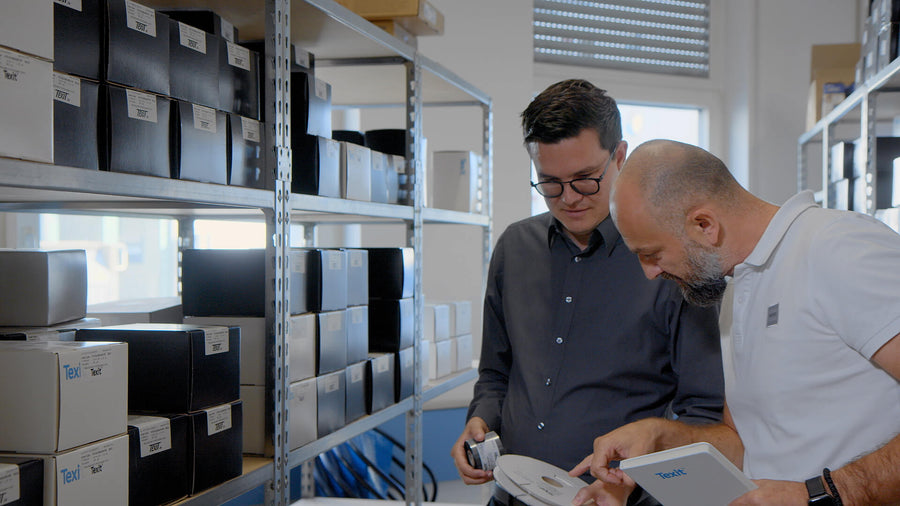
On our category page, you'll find detailed information on how to select the right heat-shrink tubing. Our labeling experts would be happy to advise you personally on choosing the right tubing—even at your location, if you'd like.
What kind of printing system do I need to print on heat-shrink tubing?
For professional printing on heat-shrink tubing, you’ll need a thermal transfer printing system. Each system is custom-configured for your specific application, ensuring that the material, ribbon, printer, and software are all compatible and deliver optimal print results. You can configure your own printing system in our online store. Our marking experts are also happy to provide personalized advice over the phone or at your location.
A complete printing system consists of:
| Component | Task in the System |
|---|---|
| Printable shrink tubing | First, the labeling material to be printed on is determined. Then, the thermal transfer ribbon and printing system are selected to match it. |
| Thermal transfer ribbon | The thermal transfer ribbon is always selected to match the material of the heat-shrink tubing. This is the only way to achieve a clean and durable print result. The thermal transfer ribbon carries the ink layer, which is precisely transferred to the surface of the heat-shrink tubing marker by the heat from the print head. The ribbon is available in various colors. |
| Thermal transfer printer | The thermal transfer printer handles the printing process. When selecting a printer, you should pay particular attention to whether it is compatible with heat-shrink tubing (for continuous media, you’ll need a printer that can center the material) and whether its performance is suitable for the on-site print volume. At Texit, we offer both entry-level models for occasional printing needs and industrial printers for high print volumes. |
| Design Software | The software is designed to let you customize the print layout as desired. With Texit Designer 11, you can not only place various elements on the markers using drag-and-drop, but also import serial numbers and similar data with just a single mouse click thanks to the Excel integration. |
Texit printing service
Tip from our expert, Steffen Rother

If you need printed heat-shrink tubing only for small-scale needs or in small quantities, you can save on the investment costs of a printing system and take advantage of our printing service.
We’ll discuss your requirements and preferences in person, select the appropriate heat-shrink tubing based on that information, and print your custom design on it in our print shop. That way, you’ll receive your custom-printed heat-shrink tubing, ready for installation, within a few days.
When is it worth having heat-shrink tubing printed on?
At Texit, in addition to our printing systems, we also offer you the option of using our in-house printing service. This allows you to avoid the upfront costs of purchasing a printing system while still receiving custom-printed heat-shrink tubing.
| Criteria | In-house printing system | Printing Services |
|---|---|---|
| Regular demand | ✔ | |
| Frequently changing labels | ✔ | |
| Print on Site at Short Notice | ✔ | |
| Printing Variable Data / Series | ✔ | |
| No investment costs for printing systems | ✔ | |
| Occasional, predictable demand | ✔ |
You can find all the information about our printing service and exactly how it works under the "Service" section, specifically " Printing Service."
Frequently Asked Questions About Printing on Heat-Shrink Tubing
Can you print on heat-shrink tubing?
Can you print on heat-shrink tubing?
Yes. Special heat-shrink tubing markers, for example, can be printed with text, cable numbers, symbols, logos, or barcodes using the thermal transfer method.
Is heat-shrink tubing printed on before or after shrinking?
Is heat-shrink tubing printed on before or after shrinking?
Heat-shrink tubing markers are usually printed on before shrinking.
The marker is then applied to the cable and heat-shrunk according to the product specifications.
What kind of printer do you need for heat-shrink tubing?
What kind of printer do you need for heat-shrink tubing?
Thermal transfer printers are often used for professional heat-shrink tube markers.
The printer should be suitable for the material thickness and the specific format and be able to feed the heat-shrink tubing reliably.
What kind of thermal transfer ribbon do you need?
What kind of thermal transfer ribbon do you need?
The thermal transfer ribbon should be compatible with the specific heat-shrink tubing material.
The right combination affects, among other things, the adhesion, contrast, and durability of the printed image.
Can you print sequential cable numbers on heat-shrink tubing?
Can you print sequential cable numbers on heat-shrink tubing?
Yes. With the Texit Designer 11 software, sequential numbering can be generated and printed automatically.
For example:
K001
K002
K003
K004
Can you print logos on heat-shrink tubing?
Can you print logos on heat-shrink tubing?
Basically, yes.
Whether a logo can be displayed clearly and accurately, however, depends on the size of the marker, the printer's resolution, and the complexity of the logo.
Can you print barcodes on heat-shrink tubing?
Can you print barcodes on heat-shrink tubing?
Yes, in principle, barcodes can be printed using a suitable thermal transfer printing system.
However, when using this method, you should verify that the barcode can still be reliably read after printing and shrink wrapping.
Can you print QR codes on garden hoses?
Can you print QR codes on garden hoses?
Yes, in principle, QR codes can also be printed on suitable heat-shrink tubing markers. This requires sufficient print area, print resolution, and contrast. Since the geometry of the marker changes during the shrinking process, the readability of the QR code should be verified in practice after shrinking.
Why isn't my print adhering properly?
Why isn't my print adhering properly?
Possible reasons why the print does not adhere properly to the heat-shrink tubing include, for example:
- inappropriate thermal transfer ribbon
- Incompatible combination of plastic film and heat-shrink tubing
- inappropriate print settings
- incorrect print speed
- clogged print head
For this reason, it is recommended to use a coordinated combination of materials.
We're happy to help with any questions you may have about printing on heat-shrink tubing.